- Introduction
- What Actually Happens When You Use Google Maps in Korea?
- Why Google Maps Does Not Work Properly in Korea
- The Best Map Apps for Tourists in Korea
- Which App Should You Use for Different Situations?
- The Biggest Mistake Tourists Make
- Why Searching in English Can Be Tricky
- What Tourists Should Do Before Going Out Each Day
- Are Naver Map and Kakao Map Hard for Foreigners?
- What About Taxis and Ride Navigation?
- So Should You Delete Google Maps?
- The Best Setup for First-Time Visitors
- Final Thoughts

Introduction
Many first-time visitors to Korea assume Google Maps will work the same way it does in other countries. That is usually one of the first small travel frustrations they run into.
You can still use Google Maps in Korea for basic searches, reviews, and checking rough locations. But when it comes to walking directions, public transportation routes, and turn-by-turn navigation, it often does not perform as well as travelers expect. This becomes especially confusing in places like Seoul, where transportation is excellent but navigation depends heavily on local apps.
The good news is that getting around Korea is not difficult once you know which tools to use. If you understand what Google Maps can and cannot do in Korea, and if you download the right apps before your trip, you can avoid a lot of wasted time and unnecessary stress.
This guide explains why Google Maps feels limited in Korea, which apps work better, and how tourists can use them in real travel situations.
What Actually Happens When You Use Google Maps in Korea?
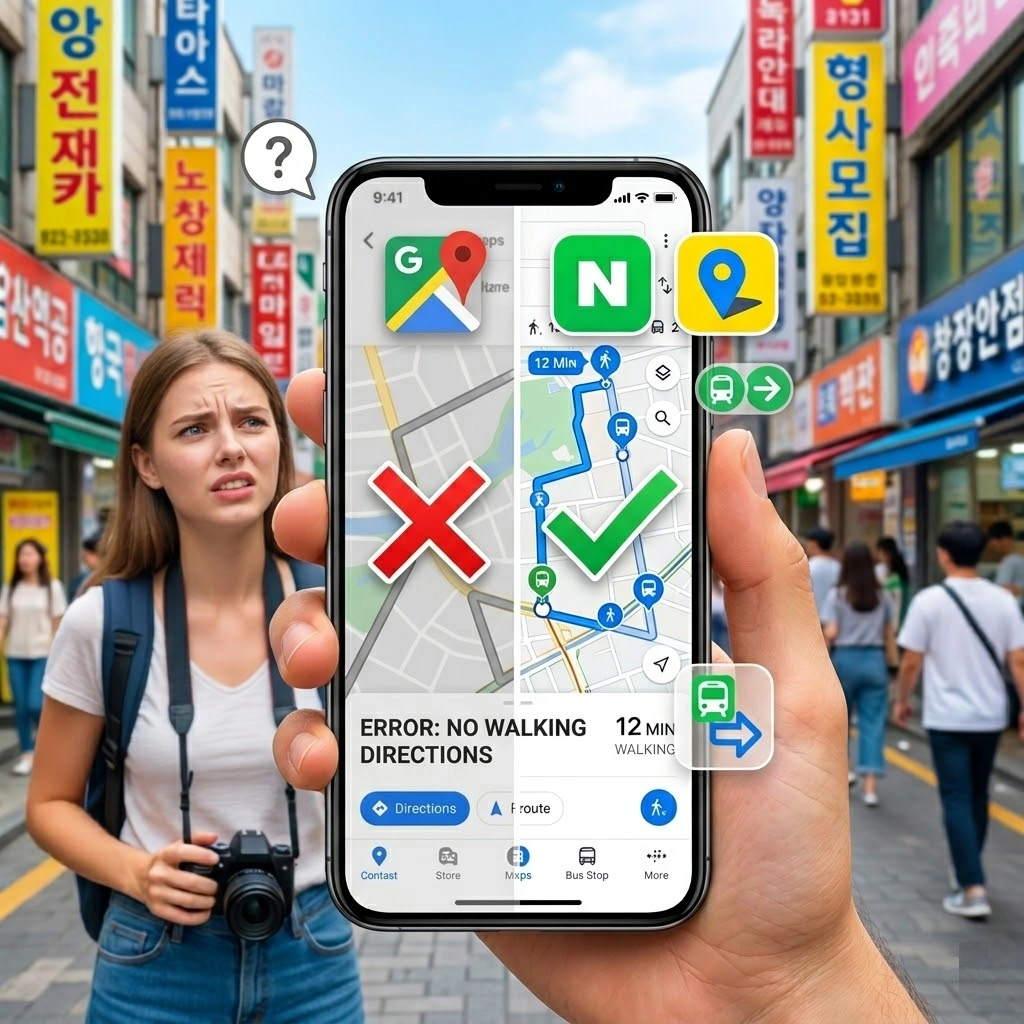
The short answer is simple: Google Maps is not completely useless in Korea, but it is not the app you should rely on for serious navigation.
Tourists often open Google Maps expecting the same experience they had in Tokyo, Bangkok, London, or New York. They assume they will get accurate subway directions, realistic walking routes, and smooth door-to-door guidance. Instead, they may see incomplete results, strange route suggestions, or a lack of useful public transportation detail.
This is why so many travelers arrive in Korea thinking navigation will be easy, then suddenly feel lost even in well-connected areas like Myeongdong, Hongdae, or Gangnam.
In practical terms, Google Maps is fine for:
- checking the general location of a place
- reading some reviews
- saving spots you want to visit
- getting a broad sense of where neighborhoods are
But it is much weaker when you need:
- detailed transit guidance
- accurate walking routes
- reliable local search results
- real-time route decisions inside Korea
That difference is what catches most tourists off guard.
Why Google Maps Does Not Work Properly in Korea
For travelers, the result matters more than the technical reason, but it helps to understand the situation.
Korea has a highly localized mapping ecosystem. Instead of Google Maps being the default navigation tool, local services have become much stronger and more practical for everyday use. That is why locals depend far more on apps like Naver Map and Kakao Map.
From a tourist point of view, the most important thing to know is this: the problem is not that Korea is hard to navigate. The problem is that you are trying to navigate it with the wrong app.
Once you switch to the tools people in Korea actually use, the country suddenly feels much easier.
The Best Map Apps for Tourists in Korea
If you only remember one thing from this article, remember this:
Download Naver Map and Papago before you arrive.
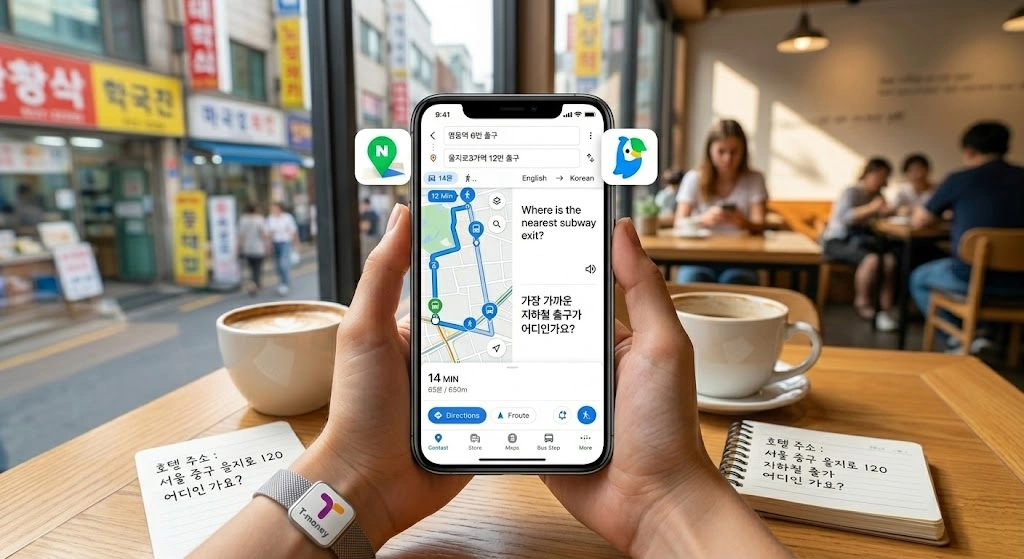
That combination solves most of the problems first-time visitors face.
Naver Map
Naver Map is usually the most recommended app for tourists in Korea. It is strong for:
- walking directions
- subway and bus routes
- estimated travel times
- finding local businesses
- searching by place name or address
It gives much more useful transportation information than Google Maps in Korea. For many travelers, this becomes their main navigation tool after the first day.
Kakao Map
Kakao Map is also good and widely used in Korea. Some people prefer its interface, and in some cases it gives slightly different local search results. It is a solid backup or alternative.
Papago
Papago is not a map app, but it is essential. If you cannot find a place because the English spelling is inconsistent, Papago helps you translate names, addresses, and destination text into Korean. That makes search much easier inside local apps.
In many real travel situations, Papago plus Naver Map is more useful than Google Maps alone.
Which App Should You Use for Different Situations?
Travelers often think they need one perfect app for everything, but Korea is easier when you use each app for what it does best.
Use Google Maps for:
- checking saved places from earlier trip planning
- seeing rough locations
- browsing photos and some reviews
- understanding neighborhood layout at a glance
Use Naver Map for:
- actual navigation
- subway and bus routes
- walking directions
- searching Korean place names
- real movement during the trip
Use Papago for:
- translating destination names
- copying Korean addresses
- showing text to taxi drivers or staff
- understanding local signs and instructions
Once you accept that Google Maps is only part of the system, not the whole system, Korea becomes much easier to navigate.
The Biggest Mistake Tourists Make
The most common mistake is waiting until something goes wrong.
A traveler lands in Korea, opens Google Maps, assumes it will be enough, and only downloads new apps after getting confused on the street, at a subway station, or while trying to find a cafe hidden inside a building.
That creates unnecessary stress, especially when you are tired, carrying luggage, or dealing with a language barrier.
The better approach is simple:
- install Naver Map before departure
- install Papago before departure
- test them once before arriving
- save your hotel name and address in Korean
Those small steps save a surprising amount of time later.
Why Searching in English Can Be Tricky
Even when a place is famous, the English name may not match what the app expects.
A cafe might have:
- a Korean official name
- an English brand name
- a different spelling used online
- a shortened nickname locals use
That means searching in English does not always give the best result. Sometimes the app finds the place, sometimes it does not, and sometimes it shows an incomplete result.
This is where Papago helps a lot. If you translate the destination name into Korean or copy the Korean text from the website, Instagram page, or booking confirmation, Naver Map usually becomes much more accurate.
This is especially useful for:
- restaurants
- guesthouses
- clinics
- beauty salons
- small attractions
- neighborhood cafes
What Tourists Should Do Before Going Out Each Day
A smart daily routine makes navigation much easier in Korea.
Before leaving your hotel, do these things:
1. Save your destination in Naver Map
Do not wait until you are already outside and rushing.
2. Screenshot the name and address in Korean
This helps if your internet connection is unstable or if you need to show the address to someone.
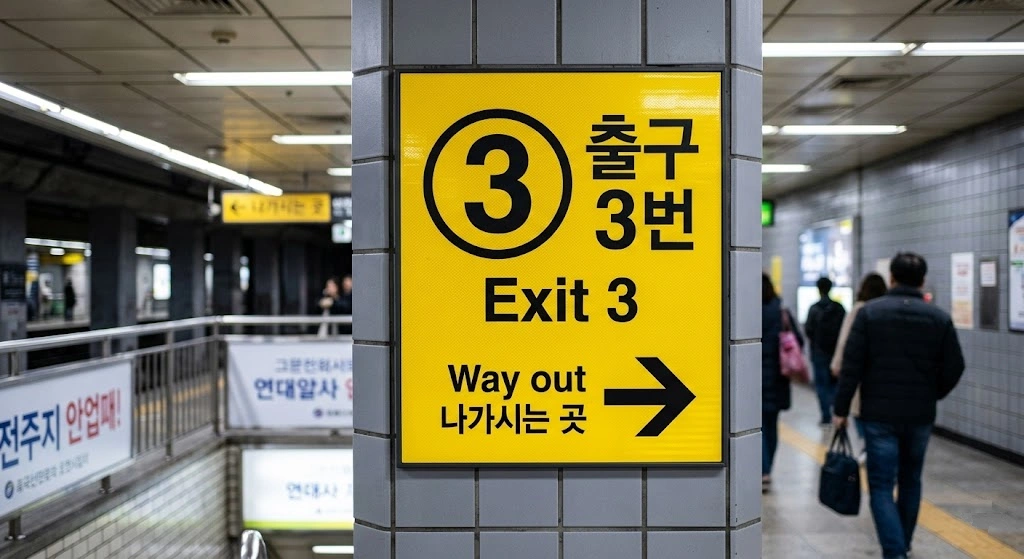
3. Check the nearest subway exit number
This is very important in Korea. Large stations can have many exits, and using the wrong one can add a lot of unnecessary walking.
4. Keep your hotel name saved in Korean
If you get tired late at night, this makes taxis and return trips much easier.
These are small habits, but they make the whole day smoother.
Are Naver Map and Kakao Map Hard for Foreigners?
They are easier than many tourists expect.
No, they are not exactly the same as Google Maps. Yes, you may need a little adjustment in the beginning. But if your goal is simply to find places and move around Korea without getting lost, they are far more useful than struggling with the wrong app.
The biggest mental shift is this: stop expecting your usual travel tools to work the same way everywhere.
Korea is not hard to navigate. It just has its own digital habits. Once you follow them, the system starts making sense very quickly.
What About Taxis and Ride Navigation?
Even if you take taxis often, local apps still help a lot.
For taxis, the real issue is usually not payment. It is destination clarity. If the driver sees the exact place name or address in Korean, the ride becomes much smoother. If you only show an English name that can be spelled in several ways, confusion becomes more likely.
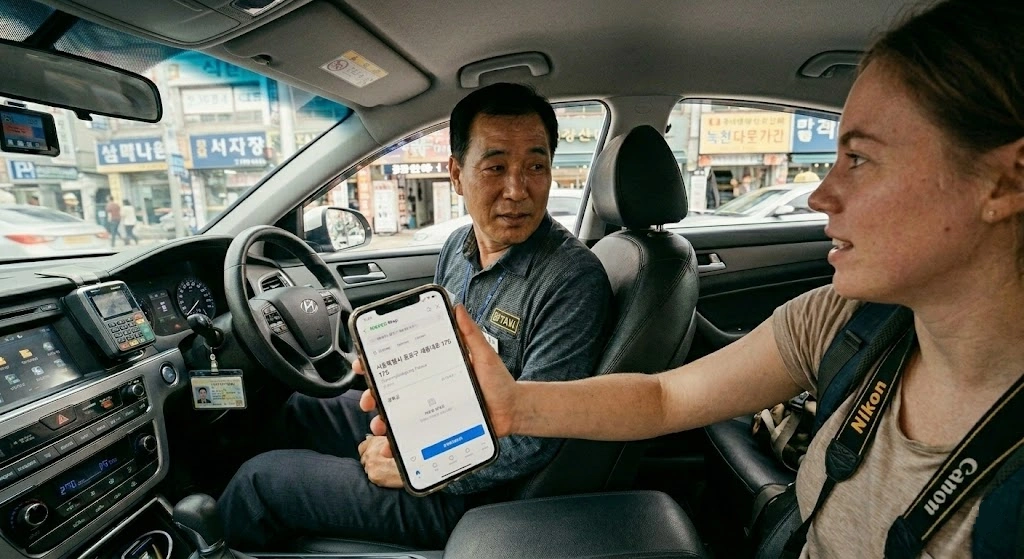
That is why many travelers do best when they:
- search the destination in Naver Map
- copy the Korean address
- screenshot the location
- show that directly if needed
This is especially helpful for:
- hotels
- restaurants in small alleys
- beauty or medical appointments
- places with similar names
So Should You Delete Google Maps?
No. That would be too extreme.
Google Maps still has value during Korea travel. It is useful for trip planning, checking saved locations, and viewing places in a familiar interface. But it should not be your main navigation tool while you are actually moving around Korea.
A better strategy is:
- keep Google Maps
- add Naver Map
- add Papago
- use the right one for the right situation
That gives you flexibility without depending on one imperfect solution.
The Best Setup for First-Time Visitors
If you want the simplest answer, use this setup:
- Google Maps for rough planning and saved places
- Naver Map for actual navigation
- Papago for translation and Korean search terms
That combination is enough for most travelers.
You do not need ten apps. You just need the right three.
Final Thoughts
Google Maps in Korea is not completely broken, but it is not the tool most tourists should trust for day-to-day navigation. The problem is not Korea itself. The problem is using an app that does not fit the local system well enough.
Once you switch to Naver Map for directions and keep Papago ready for Korean place names and addresses, traveling around Korea becomes much easier. What feels confusing on day one usually becomes simple by day three.
If you are visiting Korea for the first time, download the right apps before your flight. It is one of the easiest travel decisions you can make, and one of the most useful.